How to Create a Free AI Motion Logo with ChatGPT + Google Flow (Without After Effects)

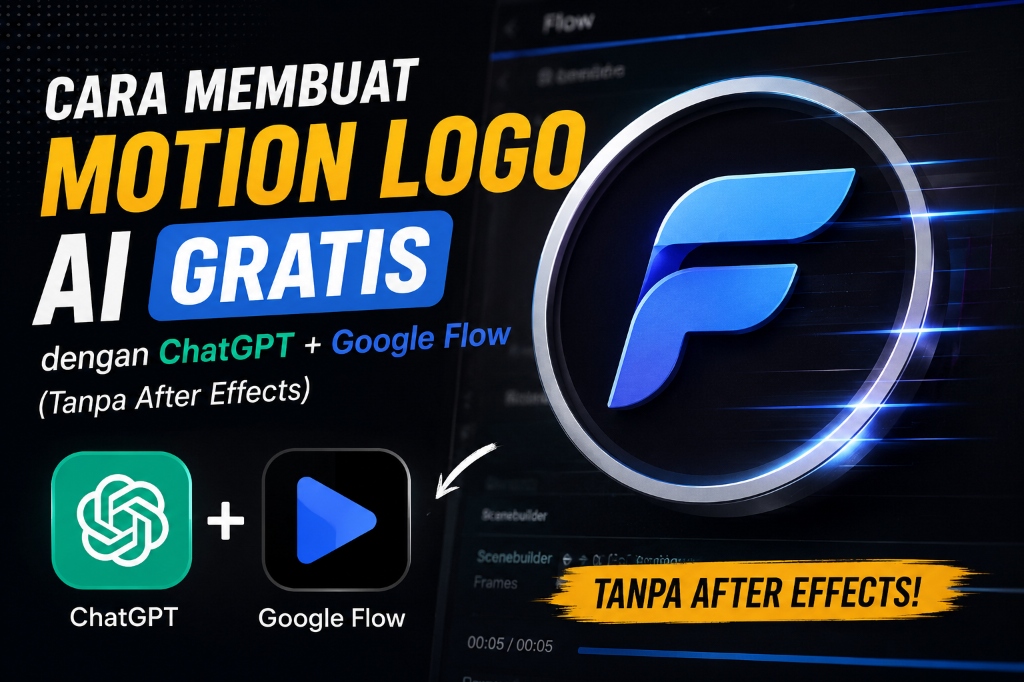
Today, creating a motion logo doesn't require complex software like After Effects. With the help of ChatGPT and Google Flow AI, you can create professional logo animations in just a few minutes.
This tutorial is perfect for beginners and can be used for business logos, applications, startups, or personal branding.
Preparation
Before starting, prepare the following:
- A high-quality logo (transparent PNG is highly recommended)
- ChatGPT
- Google Flow or Gemini
Step 1 - Create Prompt in ChatGPT
Upload your logo to ChatGPT, then send the following prompt:
Salin Prompt ChatGPTBuatkan teks prompt untuk animasi logo di Google Labs Flow AI, style animasi 2D flat dan background putih. Buat dengan total durasi 10 detik. Maksimal animasi di 8 detik, lalu 2 detik sisanya untuk menyelesaikan seluruh animasi agar tidak ada yang terpotong. Buat pergerakannya muncul satu per satu dengan gaya pop up dan morphing object yang halus sesuai bentuk icon pada gambar. Jangan gunakan efek draw atau pergerakan menggambar objek sama sekali. Pastikan di akhir video logo 100% sama persis dengan referensi.
ChatGPT will generate a more detailed prompt based on the logo you uploaded.
Setting the Aspect Ratio
If you need a specific size, simply append it to the end of the prompt. Examples:
- Aspect Ratio 9:16
- Aspect Ratio 4:5
- Aspect Ratio 1:1
- or any other size depending on your needs.
Step 2 - Copy the Prompt
Once ChatGPT finishes generating the prompt, copy the entire output. This prompt is what you'll use in Google Flow or Gemini.
Step 3 - Generate in Google Flow
In my opinion, the best results currently come from Google Flow.
The steps are:
- Open Google Flow.
- Create a new Project.
- Upload your logo first.
- Select the Google Omni model.
- Paste the prompt from ChatGPT.
- Click Generate.
Wait for the rendering process to finish.
Alternative Using Gemini
If you don't have Google Flow credits yet, you can use Gemini instead.
Here's how:
- Upload your logo.
- Paste the prompt generated by ChatGPT.
- Click Generate.
The result is pretty good, but Google Flow remains more consistent for logo animation.
Tips for Better Results
- Use a high-resolution logo.
- Avoid cluttered backgrounds.
- Do not use drawing effects if you want a premium look.
- Align the animation style with the character of your logo.
- Let the AI morph the objects naturally.
FAQ
Is Google Flow free?
Google Flow offers a limited amount of free credits. Once exhausted, you will need to purchase additional credits.
Can Gemini be used?
Yes, but the animation quality is usually slightly below Google Flow.
Can this prompt be used for any logo?
Yes, but for the best results, the prompt can be adjusted to match the characteristics of each individual logo.
Closing
Now you know how to create a motion logo using AI without having to learn complex animation software.
If you have any questions or the results are not quite right yet, feel free to reach out to me via Threads or other social media.
Happy experimenting! 🚀
FAQ
Full-stack Web Developer & Cybersecurity enthusiast. Menulis tutorial seputar tech, development, dan AI.